







Still downloading templates?
There’s an easier way. Try a free AI Agent in ClickUp that actually does the work for you—set up in minutes, save hours every week.
Sorry, there were no results found for “”
Sorry, there were no results found for “”
Sorry, there were no results found for “”

When work piles up and priorities clash, even the best teams can feel stuck. That’s why workload management matters—it helps you organize tasks, match them to the right people, and keep everything moving without burning anyone out.
In this blog, we’ll show you how to build a smart workload management system with practical strategies, tools, and templates you can start using today.
⚡ Ever wonder why some teams always deliver on time, without burning out?
It’s not about working harder. It’s about managing workloads smarter. The difference often comes down to one thing: visibility. Let’s explore how to get it.
Workload management is the process of planning, distributing, and monitoring tasks across your team to make sure work is balanced and deadlines are met. It’s not just about assigning tasks—it’s about aligning the workload with each team member’s capacity, skill set, and priorities.
Think of it as a way to see the big picture: Who’s doing what, when, and how much more they can take on without burning out. With a clear workload management system, you can avoid underutilization, prevent overloading, and help your team stay productive without feeling overwhelmed.
First and foremost, workload management helps you avoid burnout, bottlenecks, and missed deadlines. It clarifies what’s being done, who’s doing it, and what needs attention next.
Here’s why it matters:
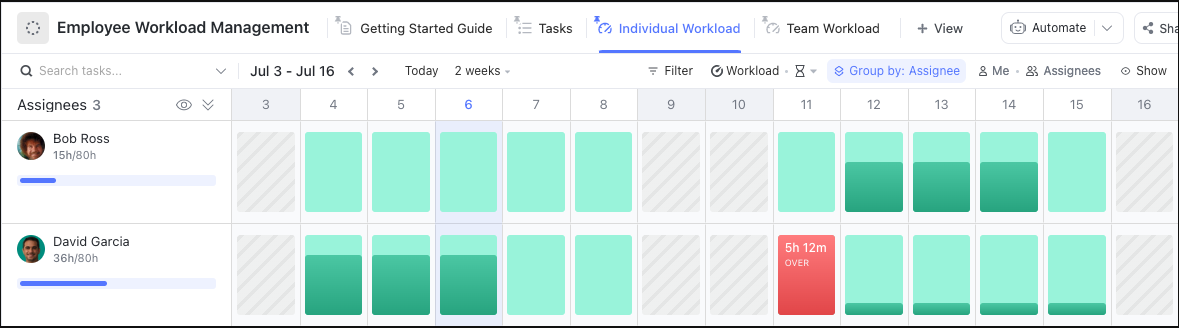
Managing employee workloads can be challenging, but it’s essential for organizational success. With ClickUp’s Employee Workload Template, you can set expectations and plan out tasks so that no one is overwhelmed or underprepared.
Getting workload management right isn’t just about assigning tasks and hoping for the best. It’s about building habits and systems that keep your team aligned, productive, and stress-free—even when things get busy.
Here are some tried-and-true practices to help you manage workloads more effectively..
It’s way easier to do workload management with the right tool.
A project management tool like ClickUp helps with workload management by providing a centralized platform to plan, track, and optimize tasks and projects for individuals and teams.
ClickUp, the everything app for work, combines powerful workload management tools with AI-driven automation and insights, helping teams work smarter, prevent burnout, and deliver projects efficiently.
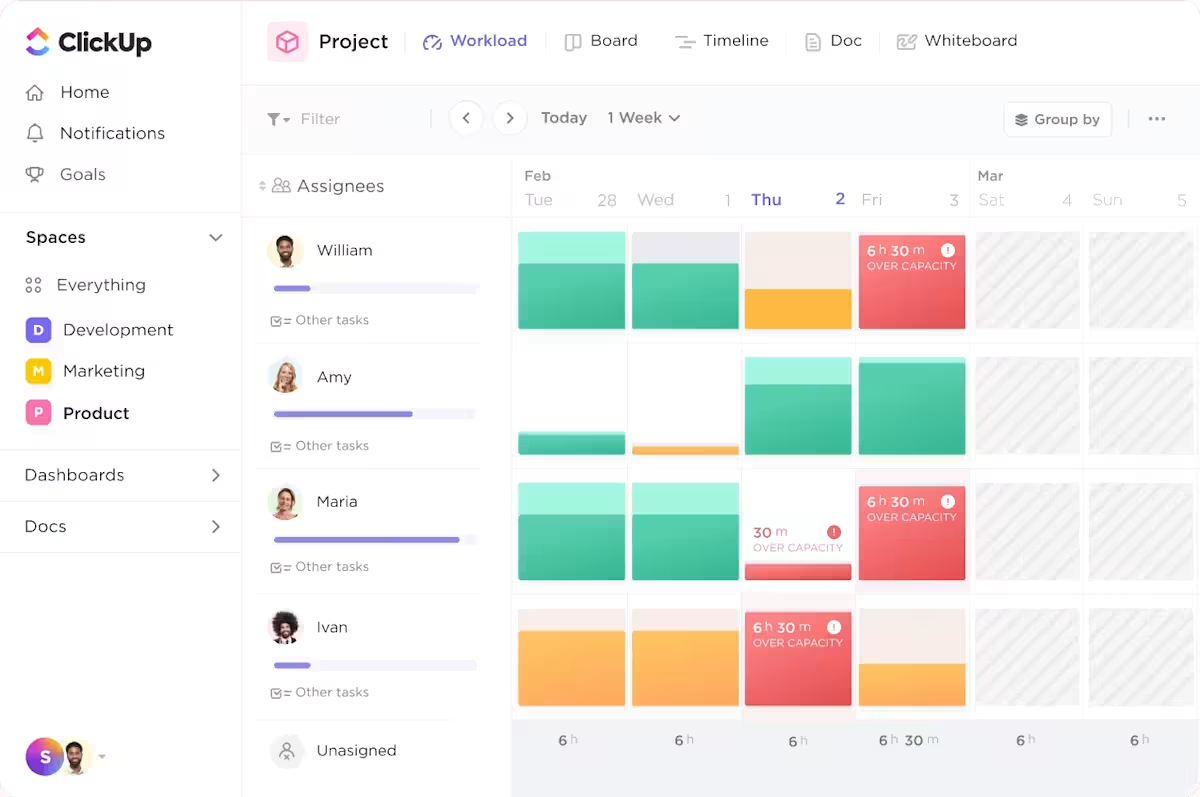
ClickUp makes it super easy to navigate through multiple project tasks and subtasks across several clients. Among its 30+ project management features and 1,000+ integrations, ClickUp’s Workload View stands out for capacity planning. This feature offers a simple, instant overview of your team’s tasks, availability, and workload status.
📚 Also Read: Check out these capacity planning tools and capacity planning templates.
Capacity planning is the foundation of effective workload management. It’s the process of figuring out the time and resources it’ll take to complete a project. To do it right, you have to align task demands with your team’s capacity.
Let’s take a look at how to set up an agile workload management system for your team.
Start by listing all of the business processes that your team deals with on any given project. Then break them down by creating manageable ClickUp Tasks. If a task seems complicated, break it into smaller project milestones.
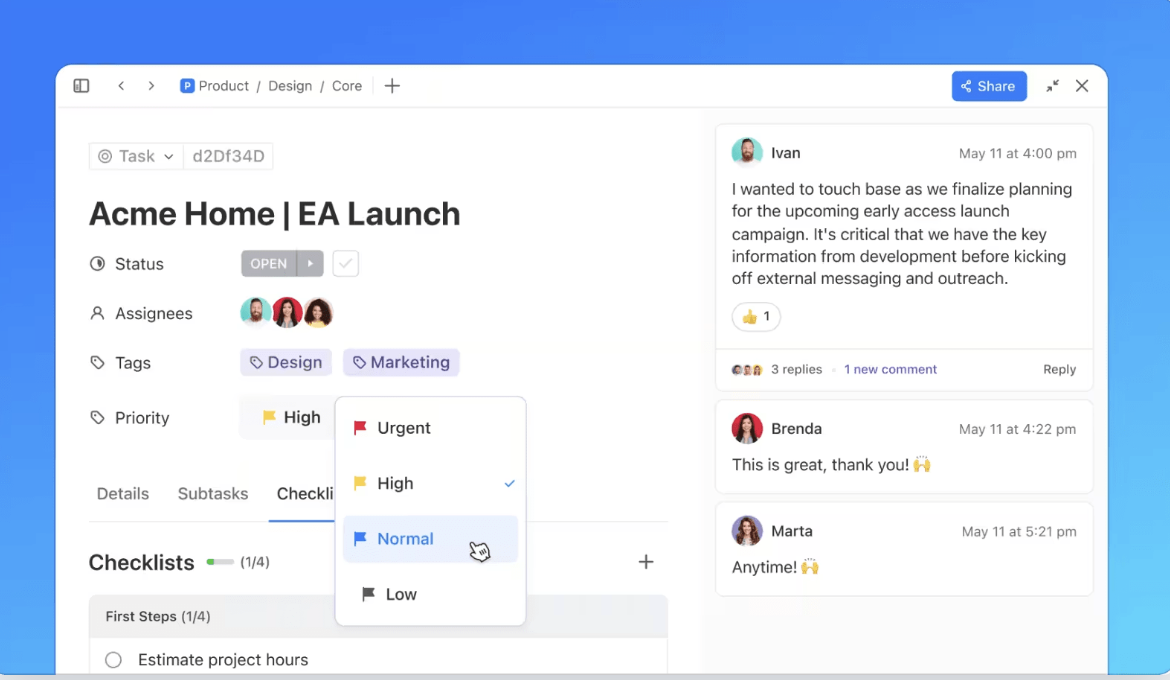
Make sure you list all tasks, no matter how trivial. This can include admin tasks like inbox management, documenting processes, and even going on a daily coffee run!
But not all tasks are created equal. That’s why you need to learn how to prioritize.
Check out this video to know how you can put your work on autopilot with AI Assign and Prioritize
But that’s not the only thing you need to estimate: you also need to figure out how much time each task should ideally take. You then need to figure out each team member’s workload capacity. The Workload View allows you to set a daily/weekly workload capacity for each individual.

📚 Also Read: Check out our guide to the best prioritization tools to help your team focus on what matters most.
The key to intelligent workload management is assigning the right scope of work to the right person. Before job scheduling begins, ensure that you or your project manager know each team member’s skill sets, temperament, availability, and strengths.
For instance, if one of your employees is great at fine details but struggles with high-pressure deadlines, they probably aren’t the best choice for a fire drill project. Take each individual’s unique strengths into consideration, then assign the highest priority tasks first.
The more confident your employees are with their tasks, the higher their productivity will be.
Use the information you gathered on previous task time estimates, employee capacity, and known skill sets to make your best estimate of how long each assignment should take. Then add a bit more time to account for unforeseen circumstances.
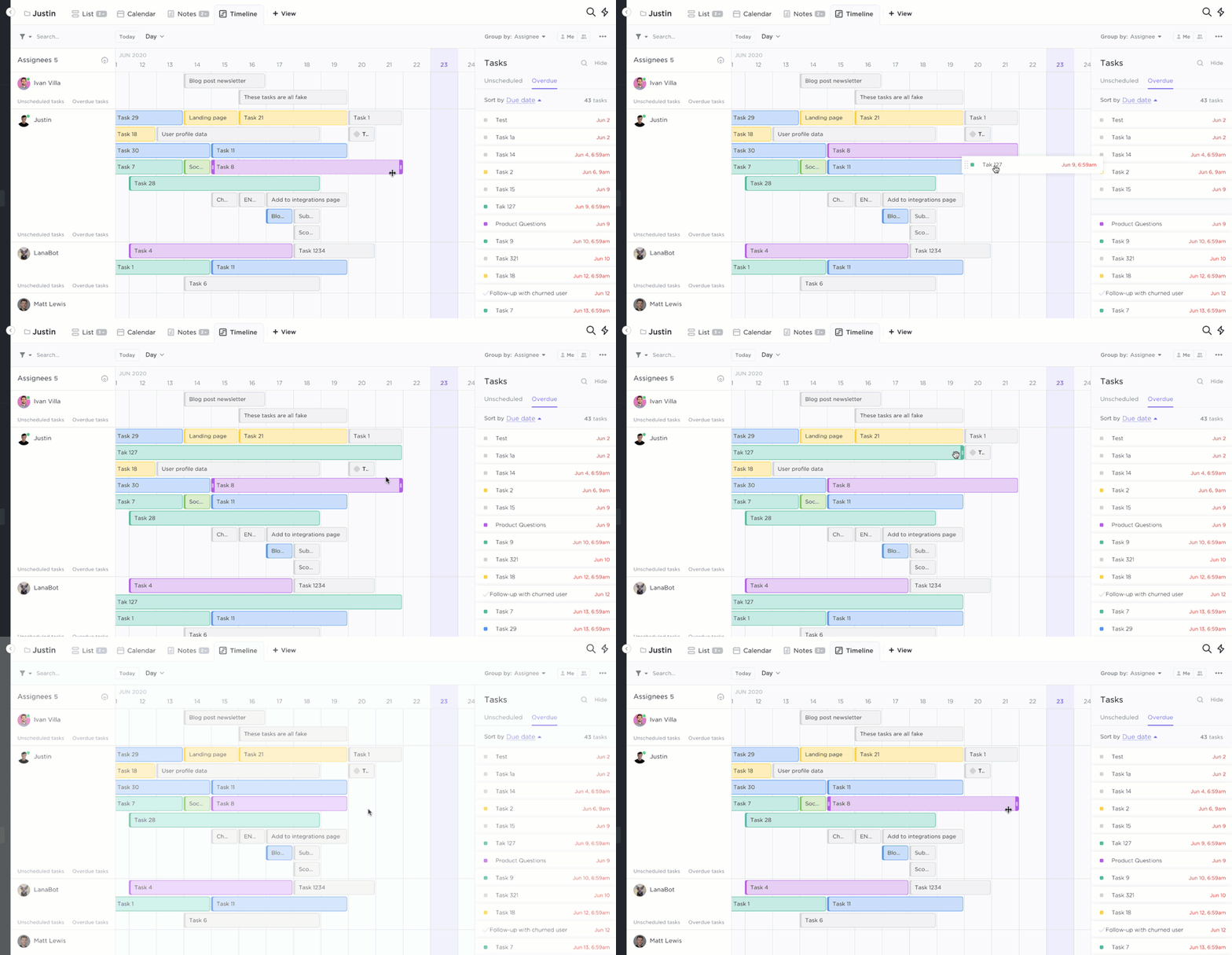
Having the right tool to edit workloads—and doing so quickly—is essential to productivity for any team lead.
📚 Also Read: Balancing workloads is essential—but so is optimizing resources like time, tools, and skills. Dive into our in‑depth guide to the best resource management tools and empower your team to work smarter, not harder.
Collaboration and transparency are key to managing workloads effectively, and ClickUp makes this easy with ClickUp Calendar. With a unified view of deadlines, meetings, and project milestones, everyone knows what’s coming up and who’s responsible for what. This visibility helps teams avoid scheduling conflicts, missed deadlines, and overloading any one person, making it simple to plan ahead and keep workloads balanced.
ClickUp’s real-time collaboration tools, like commenting, tagging teammates, and instant updates, keep everyone in the loop. Plus, with ClickUp Chat, teams can discuss work, share quick updates, and resolve issues right where the work happens. This open communication means tasks can be reassigned or adjusted on the fly, helping everyone stay aligned and workloads manageable.
💡 Pro Tip: Another great way to monitor your team’s workload allocation is by using the ClickUp Team View. It visualizes what an employee is working on as well as their current work capacity. You can easily identify who’s overloaded and reassign tasks to those who can take on more.

Reporting and insights in ClickUp make it easy to stay on top of team workloads and spot issues before they become problems. With powerful analytics and AI-driven suggestions, you can make smarter decisions and keep projects on track.
📮ClickUp Insight: 18% of our survey respondents want to use AI to organize their lives through calendars, tasks, and reminders. Another 15% want AI to handle routine tasks and administrative work.
To do this, an AI needs to be able to: understand the priority levels for each task in a workflow, run the necessary steps to create tasks or adjust tasks, and set up automated workflows.
Most tools have one or two of these steps worked out. However, ClickUp has helped users consolidate up to 5+ apps using our platform! Experience AI-powered scheduling, where tasks and meetings can be easily allocated to open slots in your calendar based on priority levels. You can also set up custom automation rules via ClickUp Brain to handle routine tasks. Say goodbye to busy work!
⚡ Imagine this: You’re planning your week, and AI instantly flags that two team members are overloaded, suggests who can take over, and even adjusts deadlines based on task complexity.
That’s not the future—it’s what AI-powered workload management can do today.
Managing workloads is easier when you don’t have to start from scratch. ClickUp’s ready-to-use templates give you a head start, so you can quickly plan, assign, and track work without missing a beat. Whether you’re managing a small team or a large project, these templates help you stay organized and efficient right out of the box. Here are five workload templates to get you started:
The ClickUp Employee Workload Template allows team members and managers to determine their daily and weekly workload capacity and see how much work is assigned to each employee.
The ClickUp Schedule Blocking Template lets team members monitor and visualize their past, present, and upcoming workload activities utilizing the time-blocking technique.
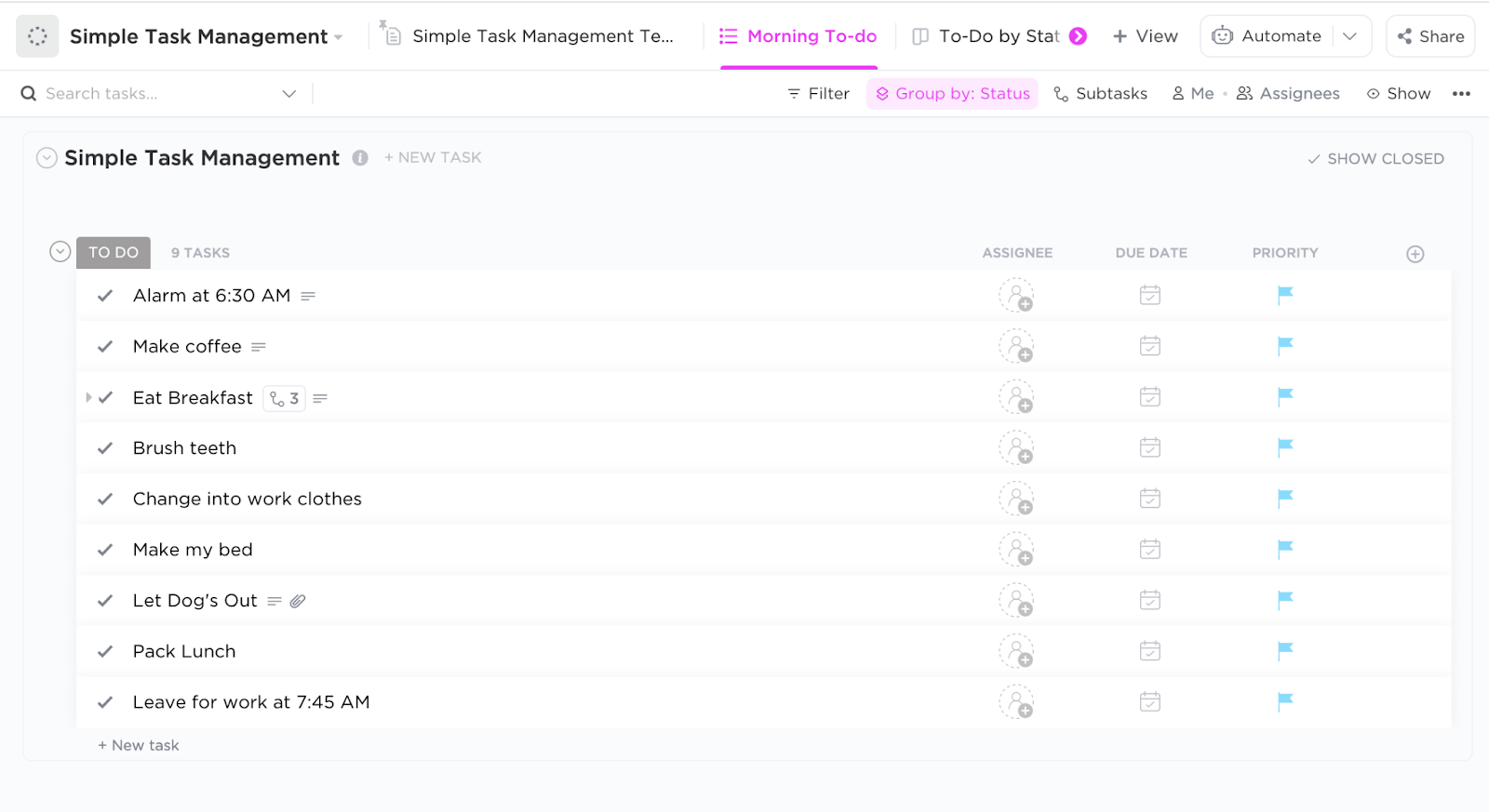
Want to simplify your teams’ task lists? Try the ClickUp Simple Task Management Template to give your employees the opportunity to get a personalized daily list of tasks, including work, personal projects, PTO, etc.
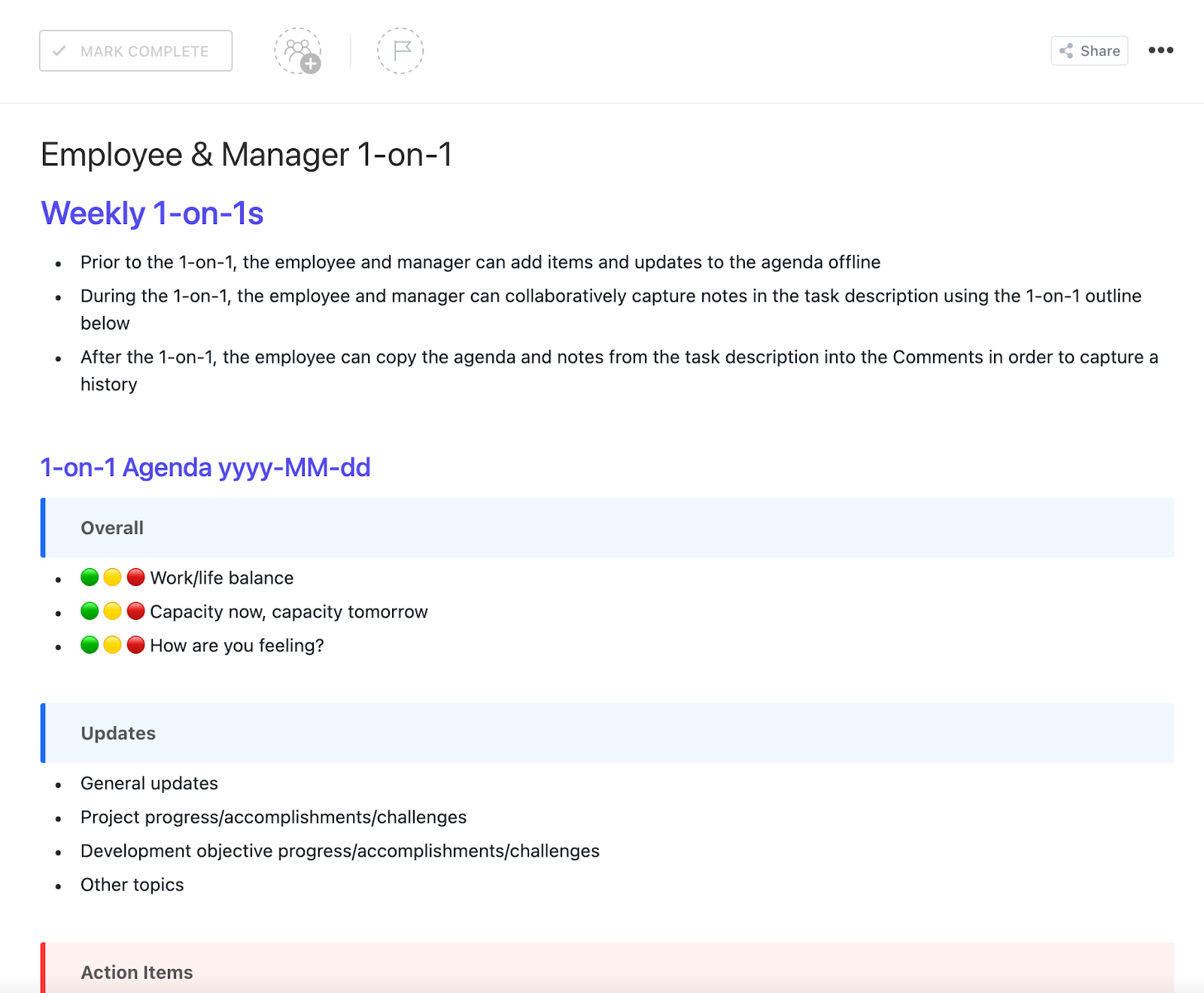
Workload management starts with employees understanding what’s expected of them. That means you, as the team lead, need to clearly definite production goals, time management, and project prioritization. The best way to get your individual contributors on the same page is with a detailed 1-on-1 document that tracks all of these aspects.
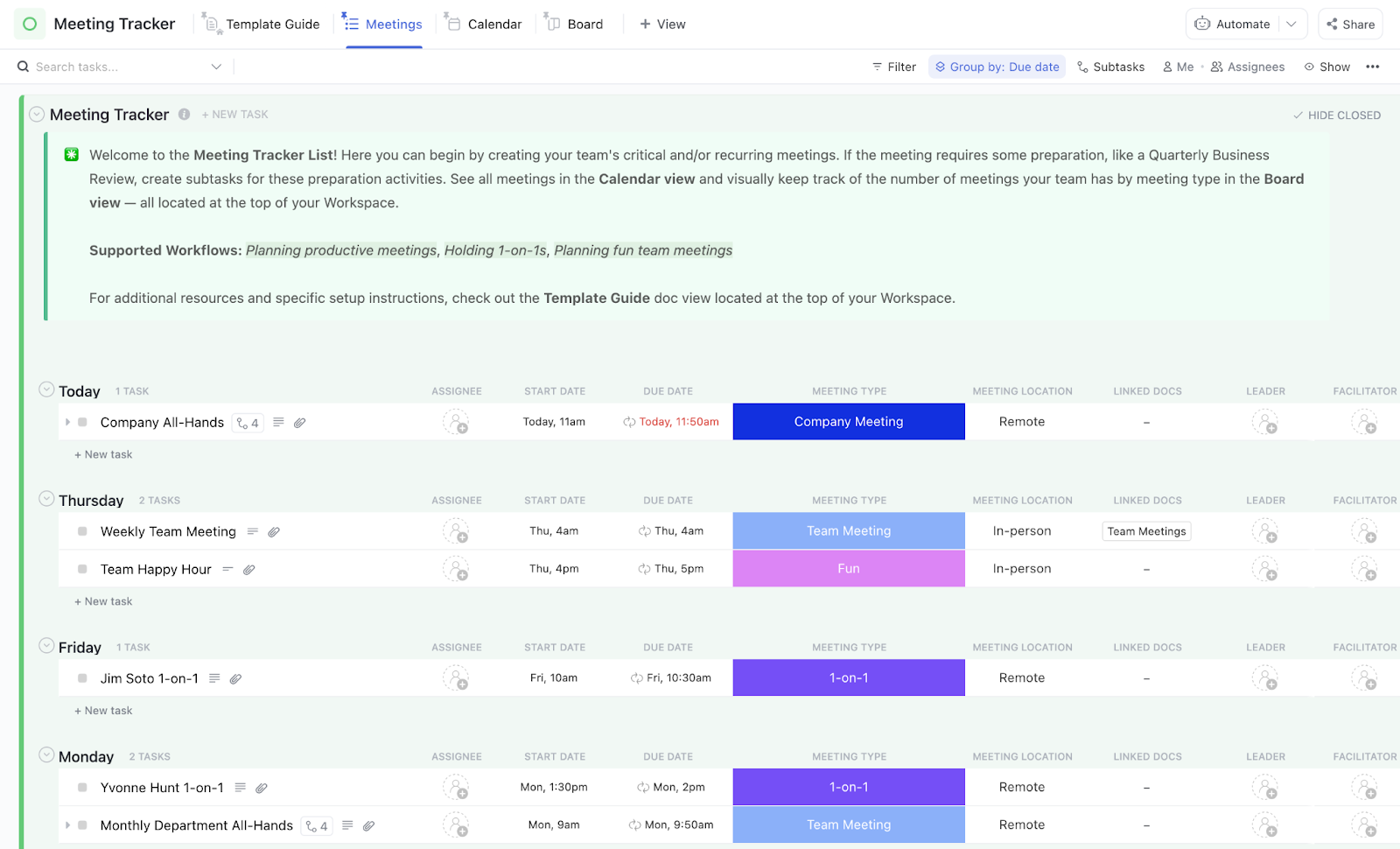
An efficient workload starts with organizing your daily work tasks. That’s why it’s so important to use a template to track your meetings so you know where your time is going and what you can do to help your workload.
⭐ ClickUp Bonus: We’re big fans of templates to keep your team on track and organized. Want to see more? Check out our full project management template roundup or visit the ClickUp Template Center for hundreds of ways to get started faster!
When you have clear visibility into team capacity and task priorities, managing workloads becomes a lot less stressful—and a lot more strategic. With the right practices, tools, and templates, you can avoid burnout, hit deadlines, and keep your team happy and productive.
💪 Ready to simplify workload management?
Sign up for ClickUp to visualize, assign, and balance tasks across your team—all in one place.
Workload management challenges can vary depending on the industry, company size, and individual responsibilities. However, some common challenges include:
Work management tools can give you clear visibility into your projects and can eliminate communication issues and project siloes. And most importantly? These help keep your team on the same page and working efficiently.
Workload management systems also:

© 2026 ClickUp

There’s an easier way. Try a free AI Agent in ClickUp that actually does the work for you—set up in minutes, save hours every week.